1. Review
See supported startup entries for your Windows account.
Free Startup Manager for Windows
Review your current-user startup entries and disable the ones you do not need at sign-in. Re-enable them whenever you choose.
Version 8.1.0 · Windows 10/11 · 64-bit · 2.4 MB
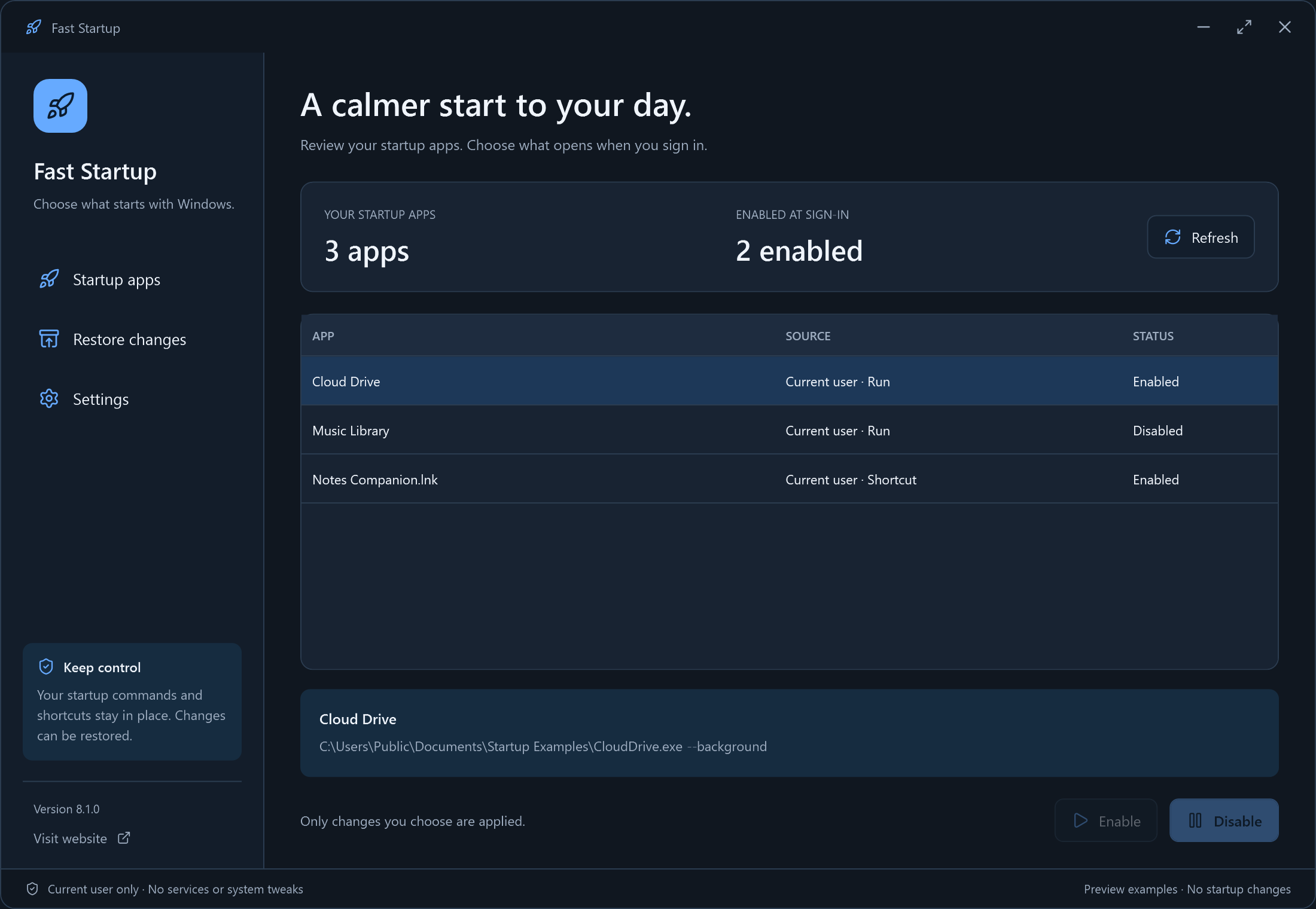 View original screenshot
A Clear Workflow
Choose your files or settings, review your choice, then start.
See supported startup entries for your Windows account.
Turn off an entry you recognise without uninstalling its app.
Re-enable the entry when you want it to start again.
Built Around Your Task
See the supported entries for your account and change startup approval without uninstalling the app.
Read The Step-by-Step GuideReview current-user Run entries and Startup-folder shortcuts.
Change startup approval while keeping the original command or shortcut.
A local journal records the previous approval state for reversal.
This version manages supported current-user startup entries only. It does not control every Windows service, scheduled task, driver or system-wide startup item. It does not change Windows Fast Startup power settings or guarantee a boot-time improvement.
Your Workspace, Your Choice
Start in dark mode or switch to light. Your theme is remembered.
View original screenshotDark theme · Actual Windows interface · Click for the original PNG
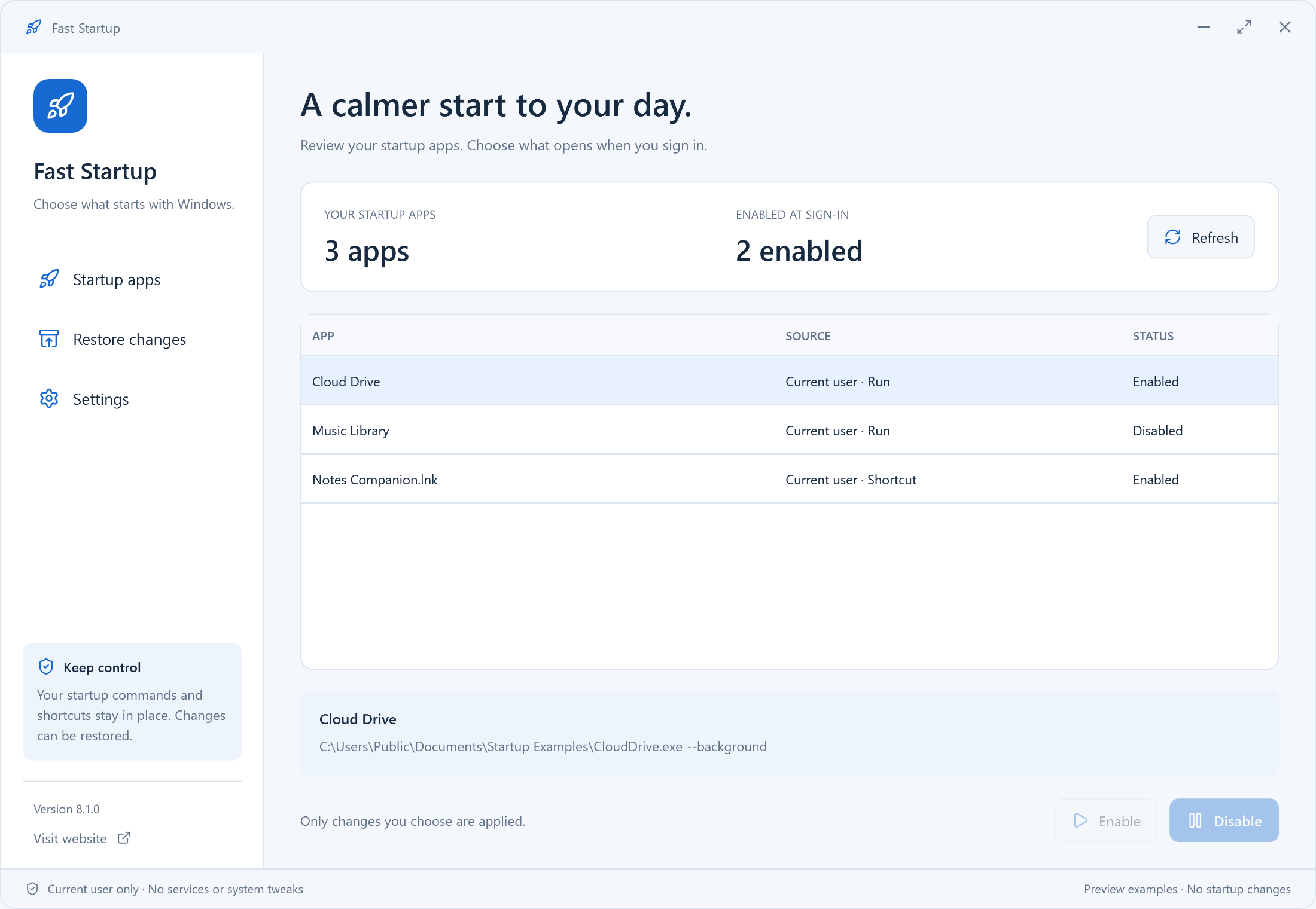 View original screenshot
Light theme · Actual Windows interface · Click for the original PNG
Practical Help
Review current-user startup entries, disable recognised extras and restore approval when needed.
This manages sign-in apps, not Windows Fast Startup, drivers, services or every scheduled task.
Check inputs, access and cancellation before trying again.
Questions, Answered
Straight answers about the current version and its limits.
No. The product name refers to managing sign-in apps. Windows Fast Startup is a separate power setting and is not changed by this app.
No. The original command or Startup shortcut is kept. The app changes the supported Windows startup approval state.
Yes. Use Enable or the available restore record for changes made by this app. A stale or changed entry is checked before restoration.
No. This version focuses on the signed-in user's supported Run and Startup-folder entries. It does not change services or system-wide startup settings.
No specific speed improvement is promised. Results depend on which apps were starting, your storage, Windows and your hardware.
Free Windows Download
Fast Startup 8.1.0 · Windows 10/11 (64-bit)
Download Free for WindowsNo account needed to use the app. Installation details · Source & licenses